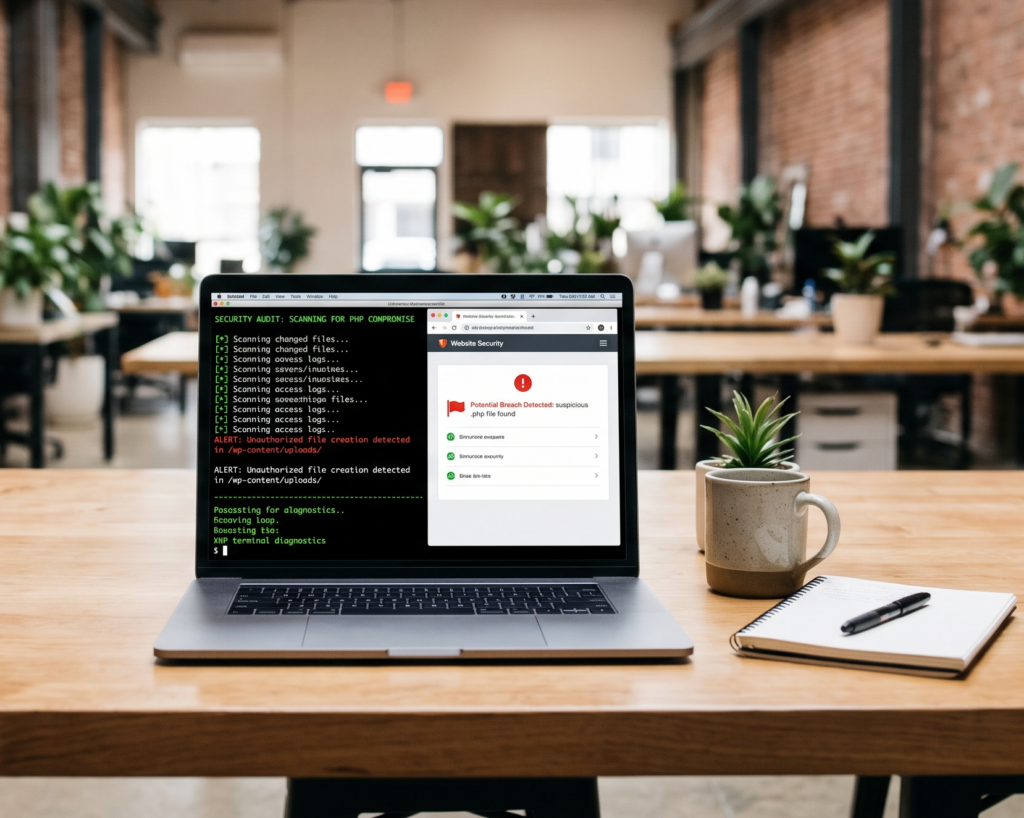
How to Check Whether Your PHP Website Has Already Been Hacked
If your PHP website was running a vulnerable version or you have noticed unusual activity, checking whether it has been hacked requires more than opening the website in a browser. You need to review suspicious files, server logs, user accounts and server activity. A website can look normal even after an attacker gains access, so a proper investigation should consider both the application and its hosting environment.
How Can You Tell If Your PHP Website Has Been Hacked?
A compromised PHP website may show visible changes, but some attacks leave few obvious signs. An attacker could modify files, create a hidden backdoor, steal credentials or run unauthorised commands without changing the homepage.
Common warning signs include:
- Unknown administrator accounts or unexpected permission changes.
- PHP files you cannot identify or explain.
- Unexpected changes to website files or server configuration.
- Unfamiliar redirects, spam pages or suspicious website content.
- PHP or web server processes launching command shells or downloading unexpected tools.
- Unusual outbound network connections from the server.
- Unexplained changes to scheduled tasks or startup configuration.
- Security alerts from your hosting provider or monitoring service.
One unfamiliar file or unusual log entry does not automatically prove that your website has been hacked. Legitimate updates, plugins and maintenance tasks can also change files and processes. The key is to investigate the evidence and determine whether the activity was authorised.
Why Should You Check for Compromise After a PHP Vulnerability?
Installing a security patch fixes the vulnerability it addresses, but it does not automatically remove malicious files or reverse actions that may have occurred before the update.
This is important when investigating PHP2Shell, the two critical PHP vulnerabilities identified as CVE-2026-109618 and CVE-2026-109619. The US Cybersecurity and Infrastructure Security Agency (CISA) recommends patching affected PHP installations and monitoring for suspicious activity, including PHP worker processes launching shells or downloading tools.
If your website was exposed before the fix, investigate two separate questions:
- Is the vulnerability fixed? Confirm that the PHP runtime handling web requests has received the appropriate security update.
- Was the server compromised? Review available evidence to determine whether unauthorised access or activity occurred.
A positive answer to the first question does not automatically answer the second.
For current guidance, review the CISA PHP security alert and the Canadian Centre for Cyber Security advisory.
How Do You Check PHP Website Files for Suspicious Changes?
Start by comparing your website’s current files with a trusted, known-good copy or the original files for the software you use. Look for unexpected files, unexplained modifications and executable code in locations where it should not normally appear.
Which files should you review?
Pay particular attention to:
- Recently modified PHP files: Compare changes with your deployment records, update history and backups.
- Files in upload directories: If your application is not designed to execute PHP files from uploads, investigate unexpected executable files.
- Modified application files: Review changes to core PHP files, configuration files and other important components.
- Unknown scripts: Investigate scripts that have no clear purpose or do not belong to your application or hosting environment.
- Unexpected configuration changes: Check for unfamiliar settings that could alter request processing or how code is loaded.
File modification times are clues, not proof. Legitimate deployments can update many files at once, and timestamps can be changed. Malicious code may also be inserted into an existing, legitimate file instead of being saved as a new one.
What should you do if you find an unfamiliar PHP file?
Do not execute the file to see what it does. Record its location and relevant details, preserve a copy for qualified analysis where appropriate, and compare it with a clean version of the application.
If you suspect an active compromise, contact your hosting provider or a security professional before making changes that could destroy useful evidence.
How Can You Check Server Logs for Signs of a PHP Website Hack?
Server logs help investigators understand what happened, when it happened and whether suspicious activity followed a particular request. The logs available to you depend on your hosting plan and server configuration.
| Log source | What to investigate |
| Web server access logs | Unusual request patterns, repeated requests to sensitive paths or activity linked to other warning signs |
| Web server error logs | Unexpected PHP errors or failures that coincide with suspicious activity |
| PHP-FPM or PHP runtime logs | Abnormal worker behaviour and repeated errors requiring investigation |
| Authentication logs | Unrecognised login attempts, unexpected successful logins or unusual account activity |
| Hosting control panel logs | Unexplained changes to accounts, permissions, configuration or scheduled tasks |
| Firewall and security logs | Suspicious connection attempts, unexpected traffic or security alerts |
Look for a timeline instead of treating every unusual entry as proof of an attack. For example, a suspicious request followed by an unexpected file change and an unfamiliar process may justify a deeper investigation.
Ordinary access logs may not record every action performed after an attacker gains the ability to execute code. A lack of obvious malicious requests is not enough to rule out compromise.
How Do You Check for Unknown Accounts and Unauthorised Access?
Attackers may try to retain access through accounts, credentials or permissions even after the original vulnerability has been patched.
Review the accounts and access methods associated with your website and hosting environment.
- Website administrators: Check for unfamiliar accounts, unexpected role changes and unexplained password resets.
- Hosting control panel users: Review who can manage files, databases, domains and server settings.
- SSH and deployment access: If you manage your own server, review authorised users and SSH keys.
- Database accounts: Investigate unfamiliar users and unexpected permission changes.
- API credentials and application secrets: Consider whether credentials may have been exposed and need to be rotated.
An unfamiliar account may have a legitimate explanation, especially on shared or managed hosting. Confirm ownership with your team or hosting provider before removing access.
If credentials may have been stolen, change them from a trusted device and follow a coordinated response plan. Changing only the WordPress administrator password may not be enough if the hosting account, server or other credentials are also affected.
How Can You Check Whether Your PHP Server Is Running Suspicious Processes?
A compromised website may cause a PHP worker or web server process to perform activities that are unusual for the application. Examples include launching command shells, downloading unexpected tools or making unexplained outbound connections.
If you manage a VPS, dedicated server or cloud environment, an authorised administrator can review running processes, process ownership, resource usage and network activity.
Investigate activity that does not match the website’s normal operation, particularly when it aligns with suspicious log entries or file changes. Do not terminate processes or delete files indiscriminately. Some may be required for normal operations, and abrupt changes can disrupt the website or destroy evidence.
On shared hosting, you may not have access to process information. Ask your provider to investigate the relevant PHP workers, system activity and outbound connections associated with your account.
Can a Security Scanner Confirm That Your PHP Website Is Clean?
No single security scanner can guarantee that your website or server is free from compromise.
A scanner can identify some known malicious files, suspicious patterns and common vulnerabilities. However, it may miss recently created backdoors, modified legitimate files, malicious code stored in a database or unauthorised activity outside the website directory.
A public-facing scan also cannot normally inspect every server process, account or file.
Use scanning as one part of an investigation, alongside:
- File integrity checks and comparisons with trusted copies.
- Reviews of server, application and authentication logs.
- Checks for unknown accounts and permission changes.
- Investigations into unexpected processes and outbound connections.
- Verification of PHP patch status and other software updates.
If your website handles customer information, payments or business-critical operations, a more thorough server-level assessment may be appropriate.
What Should You Do If You Find Evidence of a PHP Website Hack?
If you find credible evidence of unauthorised access, treat it as a security incident rather than an ordinary website error.
- Contact your hosting provider or an incident response specialist. Explain what you observed and request help assessing the affected server.
- Preserve evidence. Retain relevant logs, alerts, timestamps and file details. Avoid wiping the server before evidence has been considered.
- Limit ongoing exposure. Follow professional guidance on isolating the affected service or restricting access where necessary.
- Patch the vulnerability. Verify the appropriate PHP security updates and check other exposed components.
- Investigate persistence. Look for backdoors, unauthorised accounts, modified files and other ways an attacker may retain access.
- Restore from trusted sources when necessary. Use known-good backups or clean application files after assessing whether the backup itself may contain malicious changes.
- Rotate potentially exposed credentials. Include relevant hosting, database, deployment and application credentials as indicated by the investigation.
- Verify before returning to normal operation. Confirm that the original issue has been addressed and that no unresolved evidence of compromise remains.
The correct sequence depends on the incident. If sensitive information may have been accessed, consider your legal, contractual and regulatory obligations with appropriate professional advice.
Is Updating PHP Enough If Your Website Was Already Hacked?
No. Updating PHP is important, but it does not guarantee that a previously compromised website is clean.
An attacker may have modified application files, created an account, stolen credentials or installed a backdoor before the patch was applied. These changes may remain after the vulnerable PHP version has been replaced.
The response should address both the vulnerability and any unauthorised changes. Confirm the patch, investigate the available evidence, remove unauthorised access and restore affected components from trusted sources where necessary.
When Should You Hire a PHP Website Security Professional?
Consider professional help if you find unexplained executable files, unfamiliar administrator accounts, suspicious processes or evidence that customer data or credentials may have been accessed.
Expert assistance may also be useful when you lack server access, cannot interpret the logs, operate a business-critical website or need to establish whether a server can safely return to production.
Before engaging a provider, clarify what the assessment includes, which systems are in scope, what evidence will be preserved and how the findings will be reported. Ask whether the service covers only vulnerability patching or also compromise investigation, cleanup and verification.
If you need help with the technical side, you can discuss your requirements through Alohomora Solution’s PHP vulnerability fixing service. The service listing describes server audits, PHP patching, verification, website testing and suspicious-file checks. Confirm the exact scope before starting, particularly if you need a full compromise investigation rather than patching alone.
You can also explore Alohomora Solution’s web development services to discuss wider website requirements.
Final Thoughts
Checking whether a PHP website has been hacked requires more than looking for a changed homepage or running a quick scanner. Review files, logs, accounts and server activity, then connect the findings to a clear timeline. A suspicious indicator deserves investigation, but it should not be treated as proof without supporting evidence.
If your website was running a vulnerable PHP version, verify the security patch and consider whether the period of exposure warrants a compromise investigation. If you find credible signs of unauthorised access, preserve evidence and seek qualified help rather than assuming that an update alone has resolved the problem.
Frequently Asked Questions
1. How do I know if my PHP website has been hacked?
Look for unexplained file changes, unknown accounts, suspicious redirects, unusual server processes and unexpected network activity. These are warning signs, not conclusive proof, and should be investigated together.
2. Can a PHP website be hacked without showing visible changes?
Yes. An attacker may alter files, access credentials or run unauthorised processes without changing the public-facing pages. Server-side checks are important.
3. Will updating PHP remove a backdoor?
Not necessarily. A PHP security update fixes the vulnerabilities it addresses, but malicious files, accounts or other persistence mechanisms may remain and require separate investigation.
4. Can a website security scanner confirm that my website is clean?
No single scanner can guarantee that a website is free from compromise. Combine scanning with file checks, log reviews, account audits and server-level investigation where appropriate.
5. What should I do if I suspect my PHP website has been compromised?
Contact your hosting provider or a qualified incident response specialist, preserve relevant evidence, assess ongoing exposure, patch the vulnerability and investigate unauthorised changes before declaring the website clean.