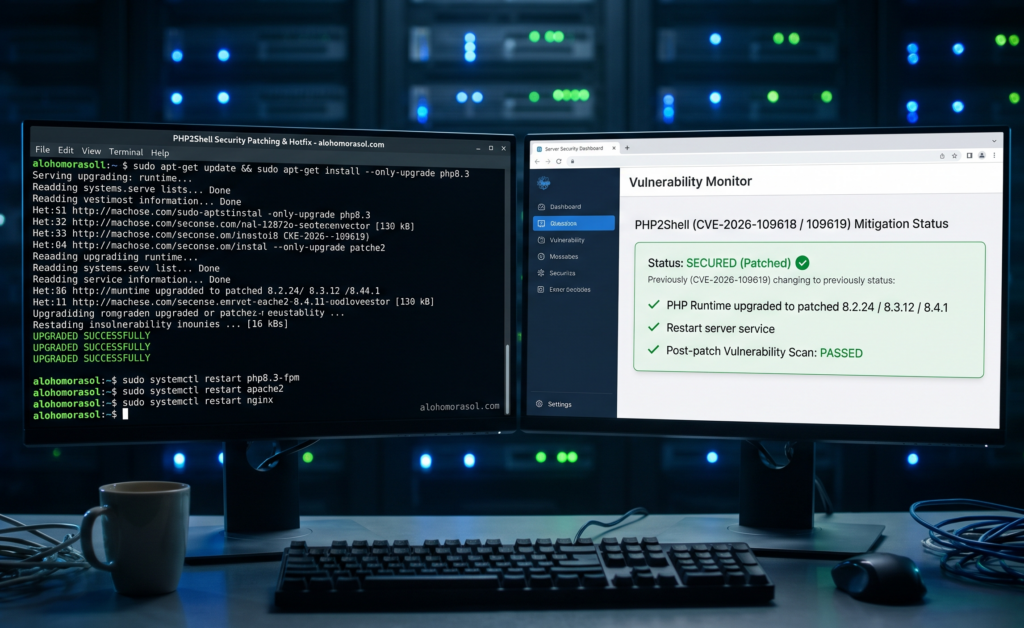
How to Fix the PHP2Shell Vulnerability on Your Website Server
To fix the PHP2Shell vulnerability, update the affected PHP installation to a security-fixed release or apply a verified security update from your hosting or operating system vendor. Updating WordPress alone is not enough. After patching, verify that the active PHP runtime is protected, check other PHP installations and investigate suspicious activity if the server may have been exposed before the update.
What Is the PHP2Shell Vulnerability and Why Should You Fix It?
PHP2Shell refers to two critical PHP vulnerabilities, CVE-2026-109618 and CVE-2026-109619. They can allow an unauthenticated attacker to execute code remotely on an affected system.
PHP powers WordPress and many other websites and web applications. If a server runs a vulnerable PHP installation, the security risk can remain even when the website’s own software is up to date.
The PHP project released security updates for these vulnerabilities on 21 October 2026. Website owners and server administrators should prioritise internet-facing PHP installations and confirm that the appropriate fixes have been applied.
Read the official PHP security advisory for the affected versions and release details.
Which PHP Versions Need to Be Updated?
The following releases contain fixes for the two PHP2Shell vulnerabilities.
| PHP branch | Fixed release |
| PHP 8.5 | 8.5.12 |
| PHP 8.4 | 8.4.27 |
| PHP 8.3 | 8.3.36 |
| PHP 8.2 | 8.2.35 |
If your website runs an earlier version in one of these branches, confirm whether a security update has been applied.
PHP 8.1 and older no longer receive updates from the main PHP project. Some operating system and long-term support vendors provide backported security fixes, so an older displayed version does not always mean the relevant fix is missing. Ask your hosting provider or vendor to confirm the patch status.
These releases fix the two PHP2Shell vulnerabilities, but they do not address every PHP security issue. A separate vulnerability, CVE-2026-115560, was reported on 23 October 2026 and is not covered by the PHP2Shell updates released on 21 October. Review the latest PHP security advisories for further guidance.
How Can You Fix PHP2Shell on a Shared Hosting Account?
If your website uses shared hosting, your provider generally manages the server’s PHP installation. You may not have permission to update the underlying runtime yourself.
Follow these steps:
- Identify your PHP version. Check your hosting dashboard or, if you use WordPress, open Tools → Site Health → Info → Server.
- Contact your hosting provider. Ask whether the PHP runtime serving your domain has received the PHP2Shell security updates.
- Request the appropriate security fix. If the installation is affected, ask the provider to apply the relevant update or verified vendor patch.
- Confirm which runtime was updated. Make sure the fix covers the PHP installation serving web requests, not just a separate command-line installation.
- Test your website. Check important pages, forms, logins and other essential functions after the update.
You can send your hosting provider this message:
Hello, I would like to confirm whether the PHP installation serving my website is protected against the PHP2Shell vulnerabilities, CVE-2026-109618 and CVE-2026-109619. Please confirm the active PHP version, whether the relevant security fixes have been applied, and whether any further action is required for recent PHP security advisories. Please also let me know if you need anything from my side.
Do not assume your website is protected simply because your hosting company has updated its general platform. Request confirmation of the specific runtime and security fixes.
How Do You Fix PHP2Shell on a VPS or Dedicated Server?
If you manage your own VPS, dedicated server or cloud environment, you may be responsible for installing PHP security updates.
The general process is:
- Identify all PHP installations that serve web requests.
- Check the relevant PHP and operating system security advisories.
- Back up important data and prepare a maintenance and recovery plan.
- Install the appropriate security update using your supported package manager, hosting platform or approved deployment process.
- Restart the relevant PHP and web-server services if required by the update instructions.
- Verify the active PHP runtime and test essential website functions.
The exact commands depend on your operating system, package source and server configuration. Do not copy commands intended for a different environment.
Also check PHP used by scheduled tasks, application containers and other software. Updating one PHP installation may leave another installation exposed.
For managed infrastructure, ask your administrator or hosting provider to confirm the update was applied to every relevant runtime.
What If You Cannot Update PHP Immediately?
Contact your hosting provider or server administrator and ask for the safest practical remediation plan. The PHP Security Team’s guidance for PHP2Shell states that temporary mitigations are not a complete substitute for installing the security updates. The PHP project advises updating affected installations because there are no complete mitigations for these vulnerabilities.
If you cannot patch the server immediately, ask whether temporary access restrictions or isolation from public networks are appropriate for your environment. Do not change production settings or block services without assessing the possible impact on your website.
A firewall or web application firewall may provide an additional layer of protection, but it should not be treated as a replacement for updating the vulnerable PHP runtime.
Also review the separate CVE-2026-115560 advisory. Its mitigation guidance is specific to that vulnerability and should not be treated as a complete PHP2Shell fix.
Does Updating PHP Fix a Hacked Website?
No. Updating PHP addresses the vulnerabilities covered by the update, but it does not automatically remove malicious files, unauthorised accounts or other changes an attacker may have made before patching.
If your website was exposed while vulnerable, investigate whether a compromise occurred. Warning signs can include:
- Unknown administrator accounts or unexpected permission changes.
- Unfamiliar PHP files or unexplained changes to website files.
- Suspicious server processes or outbound connections.
- Unexpected redirects, spam pages or modified content.
- Unexplained changes to server configuration or scheduled tasks.
These signs need investigation and do not independently prove that a website has been compromised.
If you find credible evidence of an intrusion, preserve relevant logs and evidence, contact your hosting provider or a qualified security professional, and investigate before declaring the server clean. Depending on the findings, you may need to remove malicious files, secure accounts or restore the system from a trusted backup.
Patching and incident investigation are separate tasks. A successful update does not establish that a previously exposed server is free from malicious changes.
How Can You Verify That the PHP2Shell Fix Has Worked?
After the update, verify the result rather than relying only on a notification that the server has been upgraded.
Check the following:
- PHP patch status: Confirm that the installed release or vendor security fix addresses both PHP2Shell vulnerabilities.
- Active runtime: Verify that the PHP installation serving web requests is protected.
- Other installations: Check additional PHP versions, containers and scheduled tasks where applicable.
- Website functionality: Test important features after maintenance.
- Security monitoring: Review relevant logs and investigate suspicious activity, especially if the server was exposed before patching.
For vendor-maintained systems, request confirmation of the specific security fixes. A displayed version number may not fully reflect backported patches.
If the server may have been compromised, arrange a separate security assessment even after the update is complete.
When Should You Get Professional Help to Fix PHP2Shell?
Professional assistance may be appropriate if you cannot access the server configuration, your hosting provider cannot confirm patch status, or your website uses a complex PHP environment.
It is particularly important if you suspect unauthorised access or operate a business-critical website. Confirm whether the service includes the work you need, such as:
- PHP version and patch verification.
- Server configuration review and security updates.
- Verification that the active PHP services are running the patched version.
- Website functionality testing after remediation.
- Investigation of suspicious files, processes and logs.
Vulnerability remediation and compromise investigation are different tasks, so confirm the scope before engaging a provider.
For businesses that also need website development support, Alohomora Solution’s web development services can be a starting point for discussing website requirements. Confirm that the provider can perform the specific server-security work your environment needs.
Final Thoughts
Fixing PHP2Shell starts with identifying the PHP runtime used by your website and applying the appropriate security update. WordPress updates, firewall protection and general website maintenance are useful, but they do not replace patching a vulnerable PHP installation.
After updating, verify the patch status and check other PHP environments that may also be exposed. If the website was vulnerable before the fix or shows signs of suspicious activity, consider a separate compromise investigation rather than assuming the update has resolved every risk.
Taking these steps helps reduce the risk associated with PHP2Shell and supports a more reliable website security process.
Frequently Asked Questions
1. How do I fix the PHP2Shell vulnerability?
Update the affected PHP installation to a fixed release or apply a verified vendor security patch. Confirm that the active PHP runtime serving web requests is protected.
2. Will updating WordPress fix PHP2Shell?
No. WordPress updates and PHP runtime updates are separate. Your hosting provider or server administrator must ensure the PHP installation has the relevant security fixes.
3. Can I fix PHP2Shell without server access?
If you use shared hosting, contact your hosting provider and request the appropriate update. You may not have the permissions needed to patch the server yourself.
4. Is updating PHP enough if my website was already hacked?
Not necessarily. A patch does not automatically remove malicious files, unauthorised accounts or other changes left by an attacker. A separate security investigation may be required.
5. How do I know whether PHP2Shell has been fixed?
Confirm the installed release or vendor patch, verify the active PHP runtime and check other relevant installations. For managed hosting, request confirmation from your provider.